Language Server Protocol
The Language Server Protocol plugin, or LSP, connects Pragtical to language-specific tools. It adds completion, symbol documentation, navigation, diagnostics, formatting, code actions, and rename previews. The language server provides the language knowledge; the plugin presents its results in the editor.
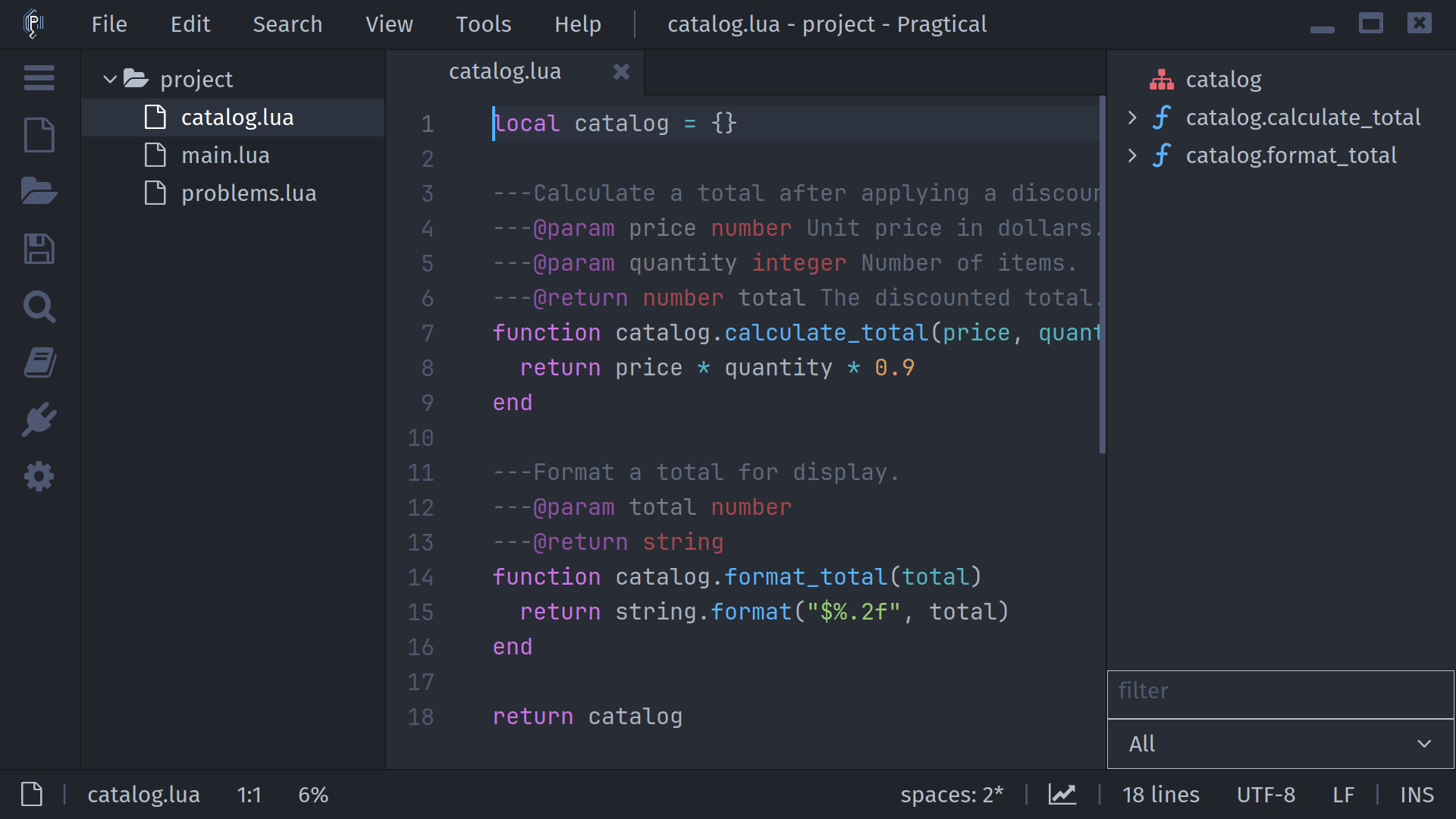
Start Here
Follow Getting Started to install the plugin and enable a server. Open a supported source file, wait for the server to initialize, then try ctrl+space for completion or alt+a for symbol information. Commands are available through the command palette and Tools > Language Server on editors with the application menu.
In This Manual
| Guide | What you will learn |
|---|---|
| Getting Started | Install the plugin, connect a server, and verify startup |
| Language Servers | Presets, custom definitions, workspace settings, and TCP |
| Completion and Documentation | Suggestions, snippets, hover, and signature help |
| Symbols and Navigation | Definitions, implementations, references, and symbol searches |
| Diagnostics and Code Actions | Inspect messages and apply server-provided fixes |
| Formatting and Renaming | Format documents and review a symbol rename before applying it |
| Configuration and Troubleshooting | Plugin settings, server lifecycle, logs, and common problems |
| Command Reference | Command names, default shortcuts, and view-specific controls |
What Depends on the Server?
Features depend on the capabilities advertised by the selected server. A running server may support completion without supporting formatting or rename. Project configuration and indexing also affect which results it can return.
Lint+ supplies inline diagnostic rendering; the plugin's diagnostic lists remain available without it. Snippet completions need the Snippets and LSP Snippets integrations. See installation.
Call Hierarchy has a command and menu entry, but its implementation currently only prepares a request: it does not display incoming or outgoing call results. Do not treat an empty call-hierarchy interaction as proof that the project has no callers.