Image Viewer
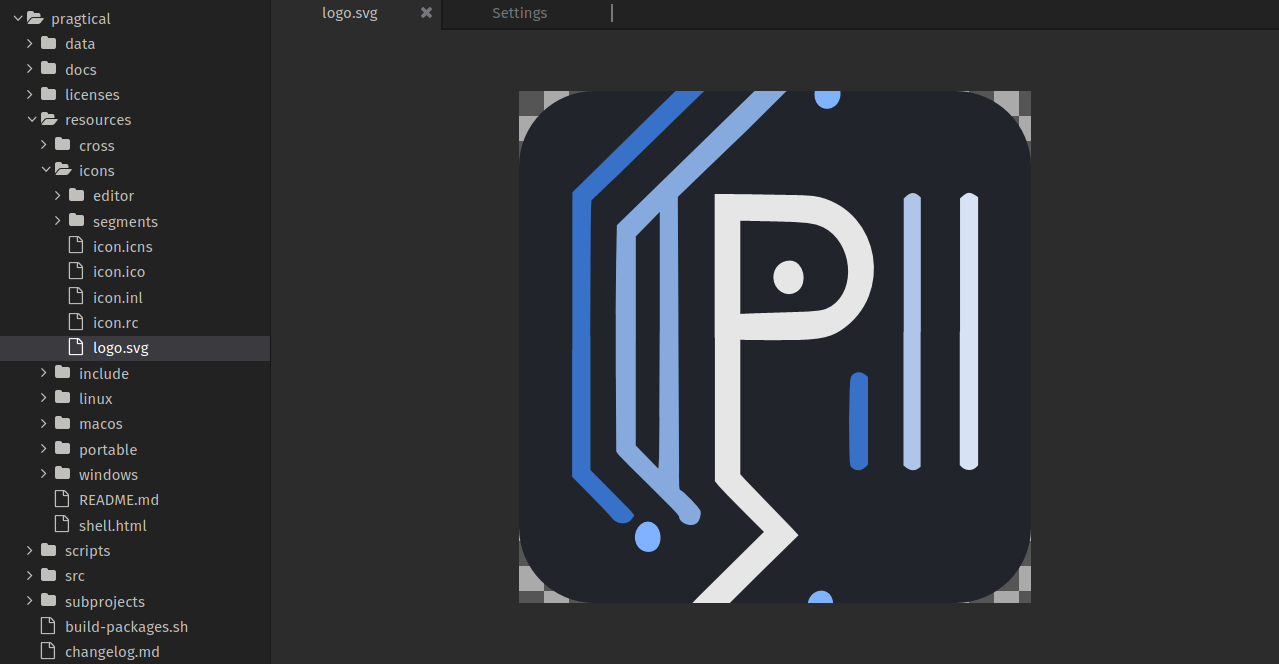
In addition to being a powerful editor for code and text, Pragtical also leverages SDL's ability to preview a wide range of image file formats.
This isn't just for convinience, it also allows you to choose colors from images to insert into code as hex colors. Useful for frontend development like CSS.
Color Picker
The color picker is an "eyedropper" style tool. You can activate it with
the Pick Hex Color or Pick RGB Color action, depending on which
color format you prefer.
The color picker allows you to choose colors from anything in the editor, including graphics in the image viewer or even the editor's theme.
After you click with the color picker, the color code is put into your clipboard to be pasted into your code, either in Pragtical or another application.
Available Commands:
| Name | Description |
|---|---|
root:pick-hex-color | Activate the Color Picker to copy a color as a hex code to the clipboard |
root:pick-rgb-color | Activate the Color Picker to copy a color as an RGB code to the clipboard |
root:pick-color-cancel | Cancel the Color Picker |
Keyboard Shortcuts
| Action | Shortcut |
|---|---|
| Pick RGB Color | ctrl+1 |
| Pick Hex Color | ctrl+2 |
| Cancel Color Picking | esc |